Just a side by side comparison of a few 3D printed parts:
Filtration Device edited using MakerBot software: (Size is approximately 3”x 2”, or
business card)

(Note with MakerBot
Software, the only “Editable” attributes allowed were resolution, scales and
rotation)
Filtration Device edited using MakerBot software:

(Note with MakerBot
Software, the only “Editable” attributes allowed were resolution, scales and
rotation)
Filtration Device edited using MakerBot software:

(Note with MakerBot
Software, the only “Editable” attributes allowed were resolution, scales and
rotation)
Filtration Device edited using MakerBot software:

(Note with MakerBot
Software, the only “Editable” attributes allowed were resolution, scales and
rotation)
Filtration Device edited using MakerBot software:
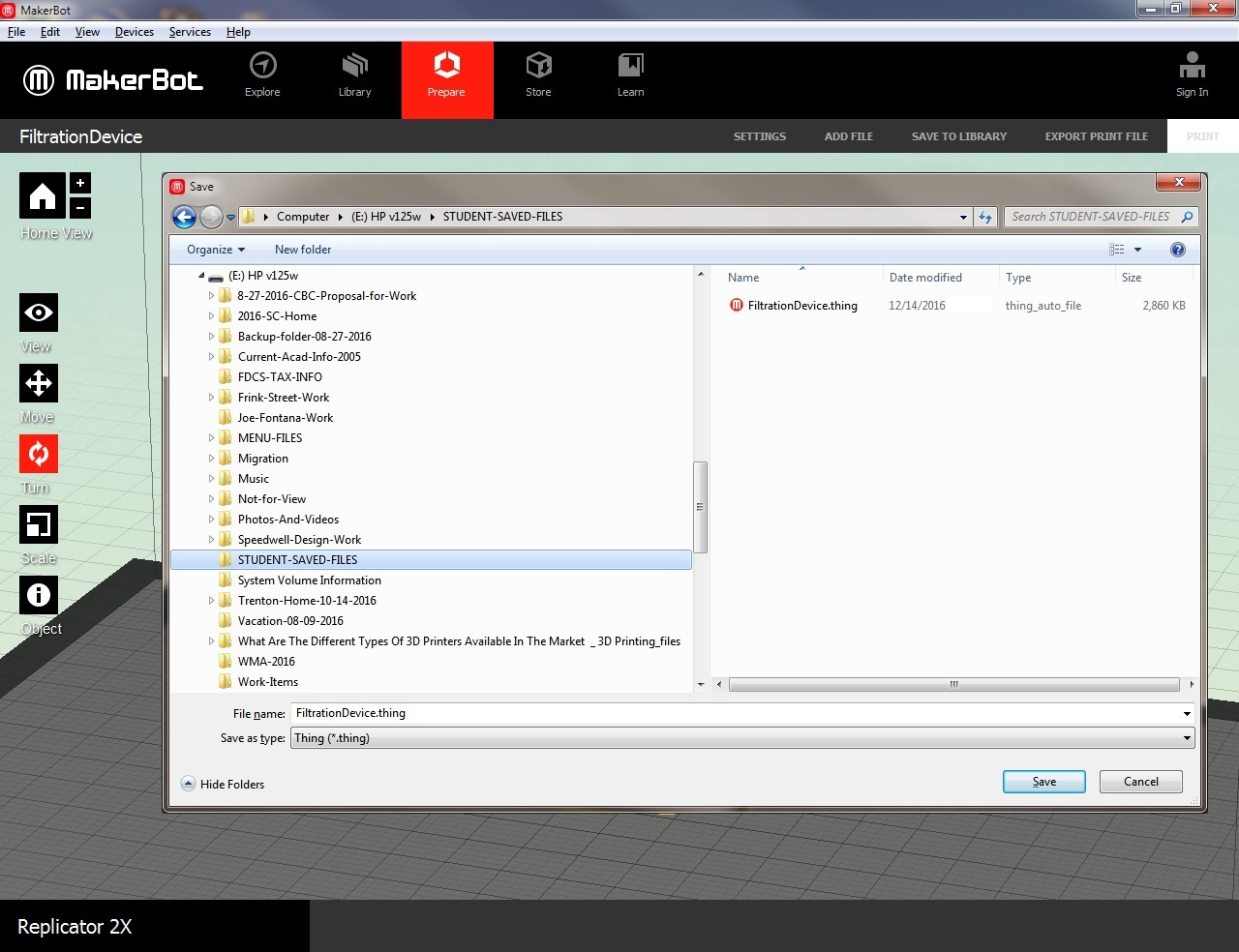
(Note with MakerBot
Software, the only “Editable” attributes allowed were resolution, scales and
rotation)
Filtration Device edited using MakerBot software:

(Note with MakerBot
Software, the only “Editable” attributes allowed were resolution, scales and
rotation)
Filtration Device edited using MakerBot software:

(Note with MakerBot
Software, the only “Editable” attributes allowed were resolution, scales and
rotation)
Completed Print: Filtration Device edited using MakerBot software:

(Note with MakerBot
Software, the only “Editable” attributes allowed were resolution, scales and
rotation)
Filtration Device edited using MakerBot software:

(Note with MakerBot
Software, the only “Editable” attributes allowed were resolution, scales and
rotation)
Filtration Device edited using MakerBot software:
(Please note the “Time difference” due to print quality increase)

(Note with MakerBot
Software, the only “Editable” attributes allowed were resolution, scales and
rotation)
Filtration Device using da’Vinci XYZ ware:

Filtration Device using Autodesk Print Studio:

Filtration Device edited using Autodesk Print Studio:
(2 slices required to remove scaffold/supports)

Filtration Device edited using da’Vinci XYZ ware:
(2 slices required to remove scaffold/supports,
high resolution and low density scaffolds)
Actual time to print
was 277mins., or 4:37 (4hrs, 37mins)

Completed Print:

Completed Print:

Completed Print: (Next to common household items for
scale)

Completed Print: (Shown on top of tuna can for scale
purposes)

Completed Print: (FDM print next to the print from
Design Point)

Completed Print: (Next to a group of previous 3D prints)


